
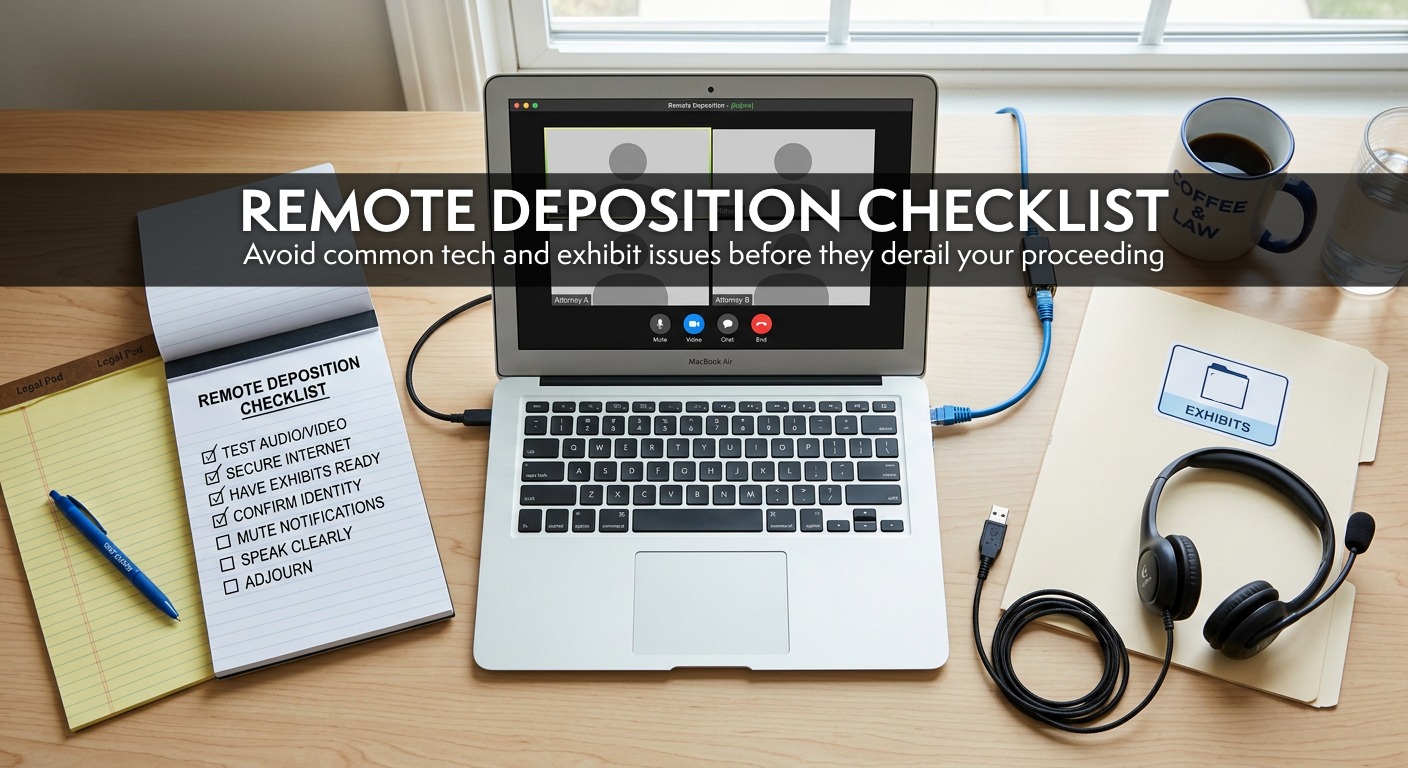
Remote depositions are here to stay, but let’s be honest, they don’t always go off without a hitch. A little preparation can make all the difference. Below are some of the most common issues we see (and how to avoid them).
1. Keep Everything Updated
Before your deposition, make sure your operating system and remote platform (Zoom, Teams, etc.) are fully up to date. This helps prevent last-minute updates, interruptions, and performance issues.
2. Camera and Mic Not Working? It Might Be “Hijacking”
If you switch between platforms like Teams and Zoom, your camera and microphone can get “hijacked” by the wrong app.
What to do:
- Close all other video platforms
- Disconnect from your VPN or (if possible) avoid logging into your VPN
- Restart your computer
- Check your system settings to confirm your mic and camera are enabled for your platform. This is especially common on Macs, particularly if you haven’t used video tools much before.
3. Can’t Be Heard Clearly?
Newer computers often have microphone settings that toggle between:
- Omni-directional (picks up sound from all around you)
- Uni-directional (focuses on sound directly in front)
If you tend to move around while speaking, omni is your friend. If you’re in a noisy environment, uni-directional can help, but only if you stay put.
4. Hardwired vs. Wi-Fi
A wired internet connection is always best.
While Zoom says 5 Mbps is sufficient, we’ve found that 20 Mbps (upload and download) is a much safer baseline for a smooth experience.
Helpful tips:
- Ask others in your home or office to limit internet use during the deposition
- Close unnecessary applications to free up processing power
- Use phone audio as a backup if your connection struggles
5. What Platform Works Best?
Zoom. Hands down.
It’s the most stable, reliable and widely familiar platform, which means fewer issues and less time troubleshooting.
6. Should You Use a Phone or Tablet?
Short answer: use a computer whenever possible.
Phones, tablets, and Chromebooks can work in a pinch, but because of lower processing power (among other technical challenges) make it much harder to:
- Manage exhibits (upload, download, and view)
- Maintain a stable connection
Plus, relying on cellular service increases the risk of dropped connections.
Common Remote Deposition Challenges (and How to Avoid Them)
Even with the right setup, issues can still come up. Here are the most common challenges we see and how to handle them.
Connectivity, Audio & Exhibit Issues
In our experience, the top three challenges are:
- Poor internet connection
- Poor audio quality
- Lack of familiarity with handling exhibits
If you want to avoid all three, we recommend scheduling a quick walkthrough with our team.
Audio Feedback
If multiple people are in the same room and logged into the same deposition, audio feedback can quickly become an issue, even if microphones are muted.
Best practice:
- Use one shared audio source whenever possible
- Otherwise, spread out and lower speaker volume
Working on a VPN or Server
If you’re accessing documents through a VPN or server, you may run into issues uploading exhibits. We recommend downloading documents to your local hard drive before the deposition and uploading them from there.
AI Note Takers
Even though AI tools are disabled during our depositions, they sometimes join automatically through calendar integrations.
If we see them, we’ll quietly remove them but it’s a good idea to check your settings ahead of time to avoid surprises.
Exhibit Retention
When exhibits are shared through the chat as courtesy copies, they are only accessible during the live session. Once participants log off, those files can no longer be retrieved.
What to keep in mind:
Your court reporter or videographer must download all shared exhibits before the session ends to ensure they are properly retained for the record.
Remote depositions don’t have to be complicated. With the right setup and a little preparation, you can avoid most common issues and keep things running smoothly. And when questions come up, the Aptus team is always here to help.